Why turning a page is such a problem
A page of music takes a minute or two to play. At some point a hand has to leave the instrument, or the player has to look away, or the music has to stop. On piano, both hands are busy. On violin, the bow arm cannot spare a moment. For a singer holding a folder, it is a small interruption, but it still breaks a phrase.
Players have solved this in many ways, and most still need you to pick the moment. A page turner that listens is the one that doesn't.
The ways to turn pages, compared
Here is every common method, with the trade-offs people report in practice.
| Method | Hands-free | Strengths | Weaknesses |
|---|---|---|---|
| A human page turner | Yes | Reads the score, watches you, can react to a missed repeat | Needs another person who reads music; awkward alone or when practicing at home |
| Bluetooth foot pedal | Yes (foot) | Reliable, you decide the exact moment, works with most reader apps | You must remember to press it; no use if both feet are busy, such as organ or piano with pedals |
| Tap or swipe on the screen | No | Nothing to buy | Needs a free hand; fine between pieces, hard in the middle of one |
| Half-page turns | Partly | Shows the next lines before you need them, so the turn is easier to time | Still needs a trigger from you or an app |
| Face or eye gestures | Yes | No hardware besides the camera | Can misfire when you look at a conductor, nod to the beat or move your head to read; depends on lighting and camera position |
| Timed auto-scroll | Yes | Simple to start | Moves at a set speed whether or not you do; breaks on ritardandos, pauses, repeats and mistakes |
| An app that listens | Yes | Follows your actual position; waits when you stop; follows repeats; nothing to trigger | Needs to hear you, or a MIDI connection; usually a paid feature |
Many musicians combine two, such as listening with a pedal for the turns they want to make themselves.
How a page turner that listens works
A listening page turner has two jobs. First, find where you are in the piece. Second, decide when to turn. It does not need to know what the music means. It needs to match what it hears to the notes on the page.
To find your place, the app compares the sound from a microphone, or the notes from a digital piano over MIDI, with the score. It keeps a running estimate of the bar you are playing. Because it follows your position and not a clock, it behaves like a person turning for you:
- If you slow down, it waits. If you stop, the page stays.
- If you go back to drill a hard passage, it moves back with you.
- If the piece has repeat signs, first and second endings, a D.S. or a coda, it follows the route the music takes.
- If two passages sound alike, it holds the page and keeps both candidates in mind until the music tells them apart.
- If you start over, it finds you again after a few notes.
To decide when to turn, a good one turns a fixed musical distance before the end of the page, not a fixed number of seconds. Two beats before the last bar is a common choice, because that is when a reader's eyes reach for the next line. Turning earlier than that hides music you still need. Turning later makes you stumble.
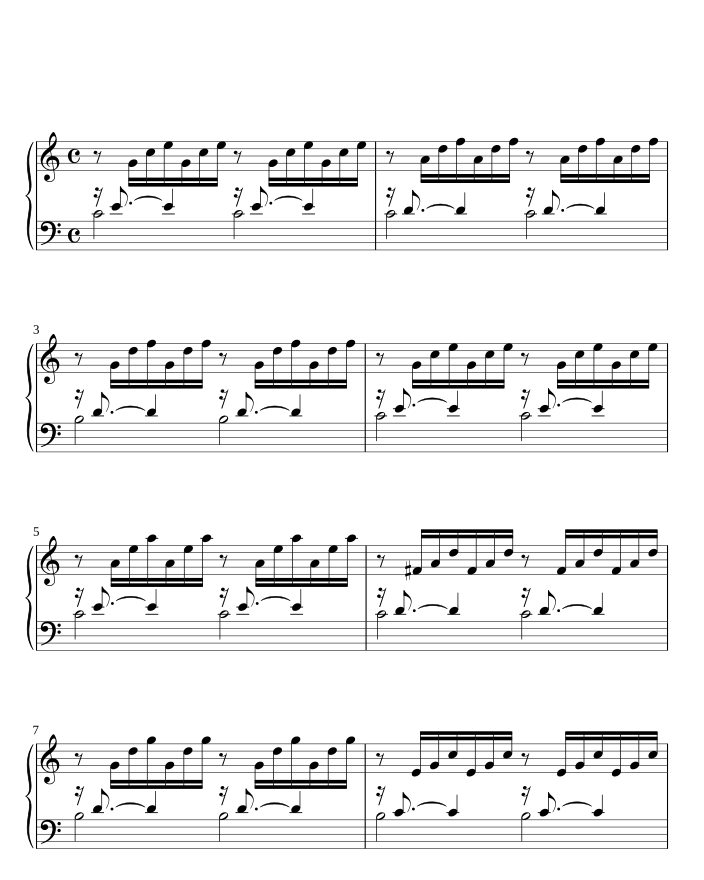
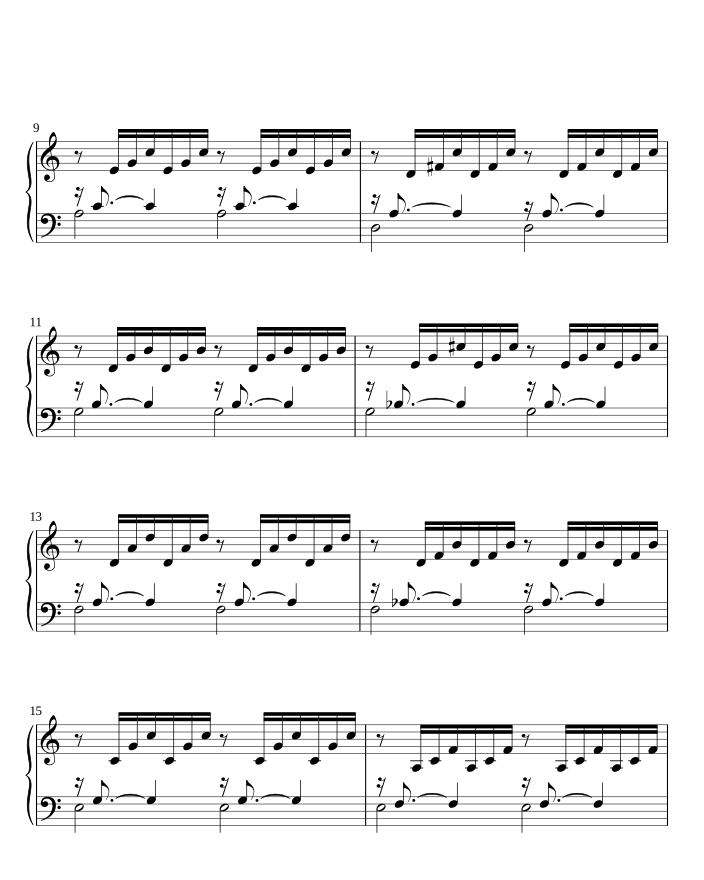
The most important rule is what a listening turner does when it is unsure. A turn that comes too early is worse than a turn that comes a moment late, because it removes music you are still reading. So a well-built one holds the page when it is not confident.
For the full story, step by step, from how it hears you to how it picks the moment to turn, read how a page turner that listens follows your music.
Getting the best from a page turner that listens
- Noise. A loud room, a second instrument or a metronome can confuse a microphone. Place the device where it hears you more than the room, or use MIDI if you play a digital piano.
- Repeated material. Sequences, ostinatos and music that repeats a phrase can sound the same in two places. Look for an app that holds instead of guessing.
- Your instrument. Check which instruments an app follows. SheetScroll follows piano, keyboards, strings, woodwinds, brass, voice and guitar.
- Privacy. Some apps send sound to a server. Others analyze it on the device. If that matters to you, read the privacy policy.
Before a performance, run through the piece once with the device in place, as you would check a stand light. In SheetScroll a pedal press or a tap always wins, so a turn by hand is always there.
How SheetScroll does it
SheetScroll is a sheet music reader with an automatic page turner that listens through the microphone or MIDI. It turns two beats before the end of the page, in every view including half-page turns, and holds the page when it is not sure. The listening runs on your device. Sound is never recorded or sent anywhere.
The reader is free, and a pedal press or a tap always wins over listening. Listening and automatic turns are SheetScroll Pro. The built-in courses listen and turn without Pro.
Choosing a method
- Practicing alone at home: a listening app is the most natural, because you start and stop often.
- Playing in an ensemble or on stage: listening, with a pedal for any turn you want to make yourself. With SheetScroll's Play together, one device listens and the whole group's pages turn.
- Organ or piano with the pedals in use: listening, or a hand-operated switch, since your feet are busy.
- Reading a lead sheet on a phone: a tap is usually enough.
Questions
What is the best automatic page turner for sheet music?
One that listens, follows repeats and never turns early. SheetScroll does that by microphone or MIDI on every platform, and a pedal works alongside it for any turn you want to make yourself.
Is there an automatic page turner for piano?
Yes. Pianists use Bluetooth pedals, but those need a free foot. A listening app turns pages without either, and with a digital piano it can follow the notes over MIDI instead of the microphone.
Does an automatic page turner need an internet connection?
Not if it analyzes sound on the device. SheetScroll works offline, in airplane mode too.
Why not just use auto-scroll?
Auto-scroll moves at a fixed speed. If you slow down, pause or repeat a section, the music keeps going. A page turner that listens waits for you.
What happens if the app loses my place?
A good one holds the page instead of turning. In SheetScroll, you keep playing and it finds you, or you tap the bar you are on.
Related
- How listening page turners workHow an app hears you play, keeps your place through repeats, restarts and rests, and picks the moment to turn the page. Score following, explained.
- Turning pages at the pianoPractical ways pianists turn pages without a break: layout tricks, half-page turns, pedals, memorizing the turn and apps that listen.
- Bluetooth page turn pedalsHow a Bluetooth page-turn pedal works, how to pair it with iPad, Android, Windows or Mac, which mode to pick, and notes on AirTurn, PageFlip and Donner.
- Repeats, D.S., D.C. and codaHow to read repeat signs, first and second endings, D.C., D.S., coda and fine in sheet music, with a worked example and how a page turner follows them.
- Page turning appsSheet music apps that turn pages by listening (SheetScroll, Newzik, Smartleggio) or by face and eye gestures (forScore, MobileSheets, SightTune).
- PianistsA sheet music app for pianists: it listens through the mic or a digital piano over MIDI and turns the page two beats early, never early. Free reader.
- Digital pianos over MIDIConnect a digital piano by USB or Bluetooth MIDI and SheetScroll follows the notes themselves, with no microphone. Here is how to set it up.