The standard: a page turner who knows the piece
The best page turner is a musician beside you who knows the piece. You hardly notice them. The page turns as your eyes reach the last line, never before. Skip a repeat and they skip it too. Stop and start a phrase again, and they are already there. If they lose you for a moment, they wait.
A page turner that listens has to meet that standard with a microphone and the score. The technology behind it is called score following: working out, from sound alone, where a performer is in the written music. Barry Vercoe and Roger Dannenberg each first showed it in 1984, so that a computer could accompany a live soloist. Turning pages asks for one thing more: knowing when to act.
Why an early turn is worse than a late one
When you read music as you play, your eyes run about a second ahead of your hands: about 0.7 seconds at fast tempos and 1.3 at slow ones. A classic study of pianists sight-reading found that span almost the same for amateurs and professionals. Professionals simply fit more notes into it.
That second decides how a page should turn. Turn too early, and notes you are still reading disappear. Turn a moment late, and your eyes wait at the bottom of the page for a beat. The two mistakes are not equal. An early turn, or a turn to the wrong page, breaks the music; a late one costs a breath. So a good page turner avoids early turns first, and late ones second.
It turns a fixed musical distance before the end of the page, counted in beats at the tempo you are playing. SheetScroll's default is two beats, which puts the new page in front of you as your eyes get there. Turn early by, in Settings → View and turns, sets more or less.
What makes following music by ear hard
Following a clean run from the first bar to the last is the easy part. Real playing is full of moments that would fool a simple follower:
| What happens | Why it is hard | What a good page turner does |
|---|---|---|
| You stop, then start a phrase again | Silence says you stopped, not where you will start | Holds the page, then expects you near where you stopped, at the start of a bar or a phrase |
| You drill a hard passage over and over | Each return is a jump back, often with no pause | Notices the passage you keep going back to, and expects you there |
| The music repeats itself: verses, written-out repeats, a theme that returns | Two places can sound exactly alike until the music changes | Keeps both places in mind and holds the page until they differ |
| You take time: rubato, a fermata, a long rest | The printed tempo is only a starting point, and a held chord has no tempo at all | Follows the tempo you play, waits on holds and counts rests at your pace |
| You play softly, or the room is noisy | Quiet notes can sound like the room | Measures the room as you play and listens for the notes themselves, not just loudness |
| Your instrument is a little out of tune, or a choir drifts flat | Every note sounds slightly off the page | Finds your tuning from the sound and follows it as it drifts |
| Others play with you | Their notes mix with yours | Hears that others are playing and listens for the whole score when it has their parts |
| You start in the middle | Nothing says where you began | Looks first at the page you opened, then searches the rest |
| Your score is a scan or a phone photo | Some notes or repeat signs may be misread | Follows the music as read, and lets you fix the repeats in a moment |
How it works, in five steps
Every page turner that listens has five jobs. The map is made before you play; the rest happens many times a second while you play.
- Hear what you play, clearly enough to tell the notes apart.
- Map the score: its notes, and every route through its repeats and jumps.
- Follow you: where you are, and how fast you are going.
- Decide whether a turn right now is worth it.
- Show the turn in a way your eyes can follow.
Step 1: hear what you play
It starts with sound. SheetScroll asks your device for the microphone's plain signal, without the processing made for phone calls, which evens out the volume and can fade long, steady notes. Fifty times a second, it measures how strongly each semitone is sounding, across the whole range of a piano.
Then comes the comparison. A small neural network, trained by SheetScroll, turns the last quarter of a second of sound into a compact fingerprint. It does the same for every moment of the score, from the notes that begin and sound there. One comparison rates every place in the piece at once, so a jump to anywhere can be noticed. No recording of your piece is needed: the score is enough.
With a digital piano, MIDI skips this step: the notes arrive exactly as you play them. Either way, the listening happens on your device as the sound arrives. Nothing is recorded, stored or sent.
Step 2: read the score as a map
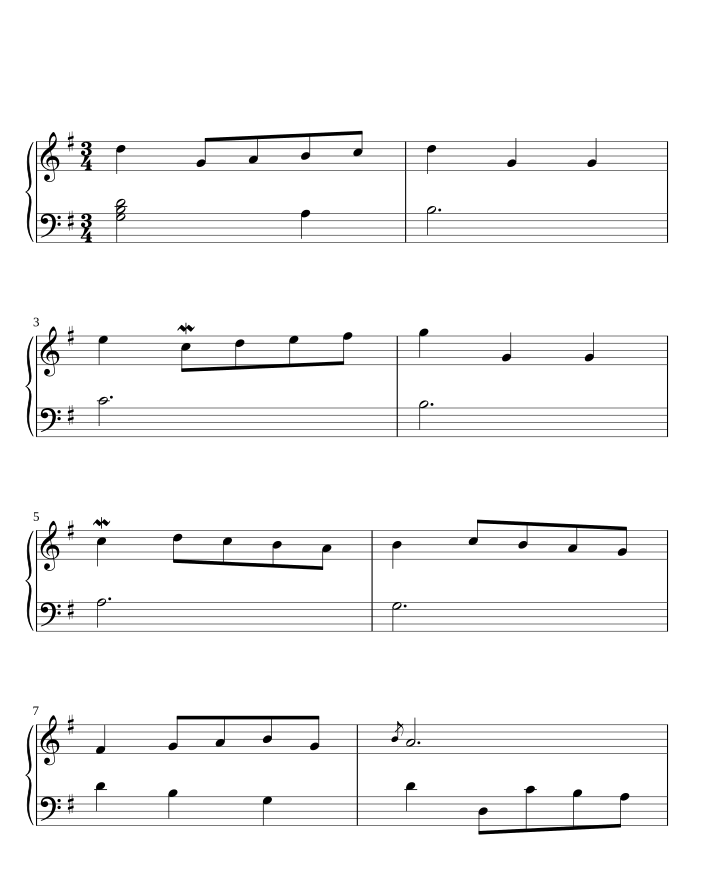
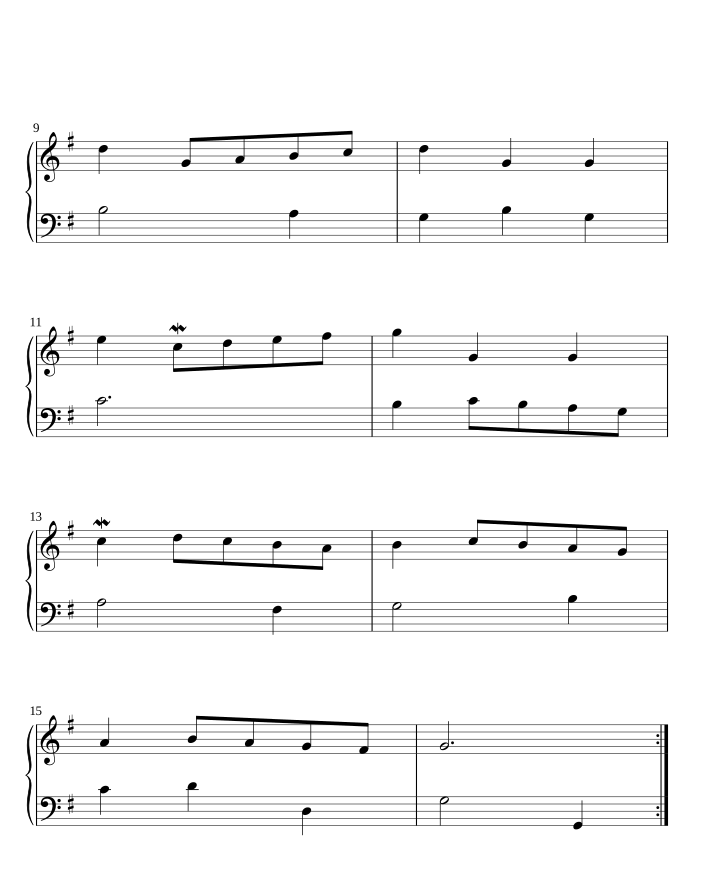
A page turner has to know where the music goes, not only what it says. SheetScroll reads every score, from a MusicXML file to a photo of a printed page, into one map: the bars and their notes, the tempo marks, where each bar sits on the page, and the routes through repeat signs, first and second endings, D.C., D.S., Fine and codas.
The map also marks the places that sound alike, such as a written-out repeat or the verses of a hymn, so the page turner knows in advance where to be careful. If a scan's repeat signs were misread, you fix the route once in Repeats, under ⋯. You never have to correct notes.
Step 3: follow you, not a clock
With the sound and the map, the page turner keeps two kinds of watch. A wide one holds every place in the piece, at every reasonable tempo, in mind at once, so a jump back, a skipped repeat or a fresh start is never out of view. A close one follows you note by note and moves the highlight you see.
The close watch moves somewhere new only when the wide one's idea has held up for a moment and fits clearly better. A wrong note or a cough never sends the page flying, and a real jump is followed within a few notes.
The tempo comes from you. SheetScroll reads your pace from the notes you play, so it keeps up with a fast run, waits on a fermata and slows with a ritardando. Silence means you stopped, not that you moved: in a written rest it counts on at your tempo, and anywhere else it waits where you stopped.
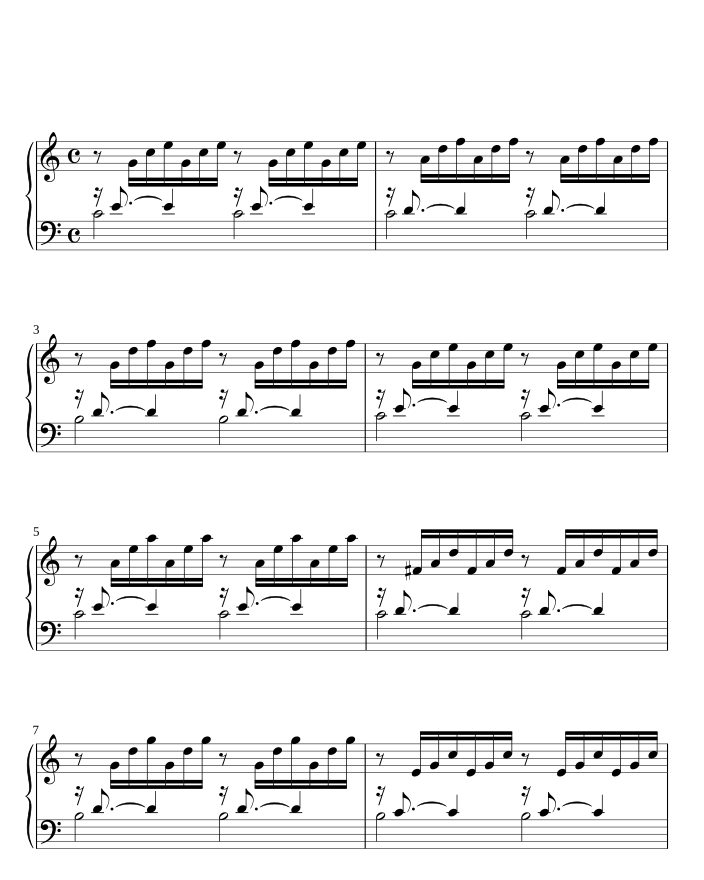
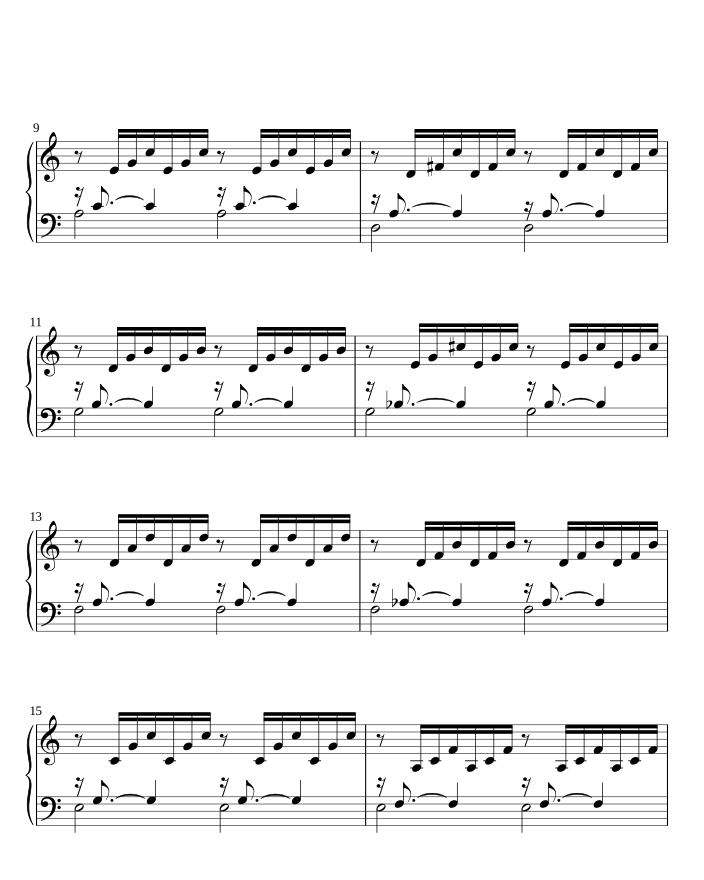
It also expects what musicians do. After a stop, most players start again a little earlier, at a bar or a phrase. In practice they loop a bar, go back a line without pausing, and return to the same hard passage again and again. A page turner that expects this finds you sooner.
Step 4: decide the moment to turn
Knowing where you are is half the job. The other half is deciding when a turn is worth it. At every moment the page turner weighs the places you might be. If you are still on this page, a turn would hide music you need. If you are about to leave it, waiting costs a beat. Since an early turn costs far more than a late one, it turns only when it is much more likely that you need the next page.
A few rules follow from that:
- Never in an unexpected silence. Stop in the middle of a phrase, and nothing moves.
- Surer after a jump. Right after a jump or a restart, it asks for more certainty before turning.
- Heard, not predicted. It turns once it hears you pass the turn point, not when it expects you to.
- Never a coin flip. When two places are equally likely and need different pages, the page holds until the music tells them apart.
When a turn is held, the status line says why: Not sure, with the bars it is choosing between, or Searching. Keep playing, or tap the bar you are on.
Step 5: turn in a way you can read
How the page changes matters as much as when. On a tablet held upright, SheetScroll turns half a page at a time: the next page's top half appears while you are still playing the bottom half of this one, so no turn is ever a rush. On a phone, it steps a line at a time. Each change is one short movement, never a slow scroll at a guessed speed.
Nothing is drawn over the music. What SheetScroll has to say stays in the margins. And you always win: a pedal press or a tap turns the page at once and tells SheetScroll where you are. A noisy room never switches automatic turns off; the page simply holds until SheetScroll is sure again.
Watch it follow a real recording
All five steps, at work on a real performance, with nothing scripted:
How to help a page turner that listens
- Put the device near your instrument, where it hears you more than the room. SheetScroll tells you when it is too quiet or too noisy to follow.
- Use MIDI on a digital piano. The notes arrive exactly, with no room in between.
- Check the route before a concert. Open Repeats to see the repeats, endings and jumps, and fix anything a scan misread.
- Mark a risky turn. Risky turns lists the turns that come after music that sounds alike or after a jump; one tap makes that page turn by hand.
- Choose your warning. Turn early by sets more or fewer beats, and half-page turns give the most room.
- Keep a pedal handy. It works alongside listening, and each press tells SheetScroll where you are.
- Playing with others? Set Others playing, or let SheetScroll hear them. With Play together, one device listens and turns everyone's pages.
Try it in SheetScroll
SheetScroll is a sheet music reader built around a page turner that listens. It follows piano, keyboards, strings, woodwinds, brass, voice and guitar, tab included, through the microphone or MIDI, on iPad, iPhone, Android, Mac, Windows, Linux and the web. It works offline, and sound never leaves your device.
The reader is free, and a pedal press or a tap always turns the page. Listening and automatic page turns are part of SheetScroll Pro. The built-in courses listen and turn pages without it.
Questions
What is score following?
The technology that works out, from sound alone, where a musician is in the written score. A page turner that listens uses it to know where you are, then decides when to turn.
Does a listening page turner need a recording of my piece?
No. SheetScroll compares your playing with the score itself, so it can follow any notated score you open, scans and photos included.
What if I play wrong notes?
It keeps following. A wrong note never moves the page, because SheetScroll weighs the music around it. If it is not sure where you are, it holds the page.
Will the page turn if I stop?
No. A stop never turns the page. When you start again, SheetScroll finds you, usually within a few notes.
Why does it turn two beats before the end?
Your eyes read about a second ahead of your hands. Two beats puts the new page in front of you as your eyes get there. Turn early by sets more or less.
Does it follow repeats, D.S. and codas?
Yes. Repeat signs, first and second endings, D.C., D.S., Fine and codas are part of the map it follows. You can check them in Repeats.
Related
- Automatic page turnersEvery way to turn sheet music pages hands-free, from pedals to apps that listen, with the pros and cons of each and how a listening page turner decides.
- Repeats, D.S., D.C. and codaHow to read repeat signs, first and second endings, D.C., D.S., coda and fine in sheet music, with a worked example and how a page turner follows them.
- Listening and the microphoneWhere to put your device, what SheetScroll hears, when it holds the page, and how tapping the bar you are on tells it where you are.
- Page turnsThe page turns two beats before the end, never early. How to change that lead, what half-page turns are, and how pedals, taps and turning by hand fit in.
- Bluetooth page turn pedalsHow a Bluetooth page-turn pedal works, how to pair it with iPad, Android, Windows or Mac, which mode to pick, and notes on AirTurn, PageFlip and Donner.
- Page turning appsSheet music apps that turn pages by listening (SheetScroll, Newzik, Smartleggio) or by face and eye gestures (forScore, MobileSheets, SightTune).
Sources
- Furneaux and Land, “The effects of skill on the eye–hand span during musical sight-reading”, Proceedings of the Royal Society B, 1999, checked October 22, 2026
- Lee, “Musical Score Following and Audio Alignment”, 2022, §5.1.1, checked October 22, 2026