How do I lead?
- Connect to the Wi-Fi network the group will use, and open the piece.
- Tap the page for the controls and choose Lead other devices.
- Show the QR code or the 4-digit code to the others. Share and Copy link send a link instead.
- Play. The chip reads Leading, with the number of devices following.
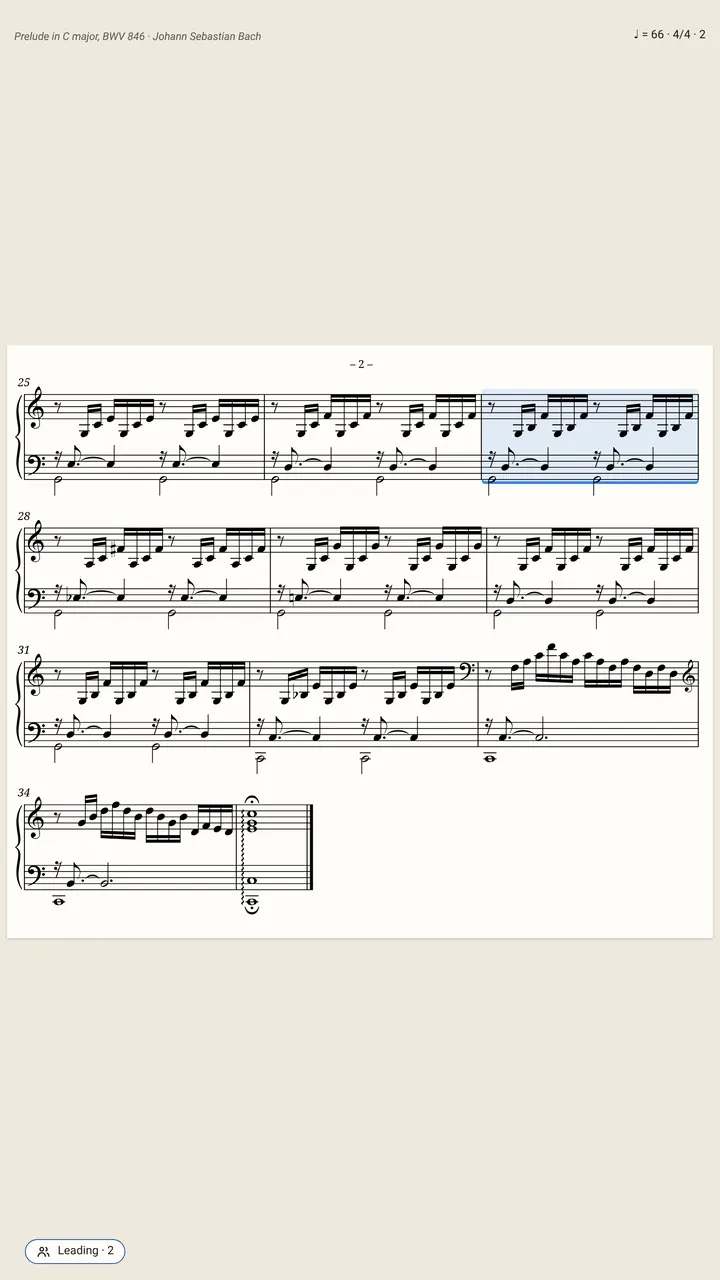
Leading takes the SheetScroll app; the others can use the app or a browser. Allow SheetScroll to use the local network when asked. If leading does not start, check Wi-Fi and local network access. Stop leading ends it.
How do I follow?
- Point your camera at the leader’s QR code. It opens the app, or the web app in your browser, and follows.
- Or choose Follow a leader and type the leader’s 4-digit code. In a browser, go to sheetscroll.com/join first. You can also tap Scan code, Find leaders nearby…, or paste a link.
- The piece opens by itself, and your pages turn with the leader. The status reads Following, with the leader’s bar.
- Tap Leave when you are done.
Next time, a device that followed before needs no code: when that leader leads nearby, tap Follow beside its name. If you are asked to allow local network access, allow it.
What is shared?
Others see only your place in the music, and it is encrypted. Not your sound. Each device turns its own copy of the piece.
If a follower doesn’t have the piece, the leader’s device sends its file, and it opens by itself. If your copy is another edition, SheetScroll says so: it follows by bar numbers where it can, or shows Another edition: not following with Follow anyway.
What do the messages mean?
- Leader unsure or Leader searching: the leader’s device is finding its place. Your page holds until it does.
- Leader paused: the leader has stopped playing.
- Leader gone: turn by hand or join again.
- Leader on a chart: a chord chart and a score do not line up, so listen or turn by hand.
If a join fails, check the leader’s screen for the right code. After too many wrong codes, the leader taps New code; the QR code always works. If the versions differ, update both devices.
Questions
Does everyone need to be on the same Wi-Fi network?
Yes. Play together works on one Wi-Fi network.
What does the leader share?
Bar positions, encrypted, and the piece’s file to a follower who doesn’t have it.
Can the web app follow a leader?
Yes. Open sheetscroll.com/join and type the leader’s code, or scan its QR code. The leader uses the SheetScroll app.
Can the web app lead?
No. Leading other devices takes the SheetScroll app; followers can use the app or any browser.
What if a follower has a different edition?
SheetScroll follows by bar numbers where it can, and says when the editions differ. The follower can choose Follow anyway.
Related
- Listening and the microphoneWhere to put your device, what SheetScroll hears, when it holds the page, and how tapping the bar you are on tells it where you are.
- SetlistsMake a setlist, put it in order, add notes, share it or export it for forScore. Each piece opens and listens by itself. Setlists are free.
- Automatic page turnersEvery way to turn sheet music pages hands-free, from pedals to apps that listen, with the pros and cons of each and how a listening page turner decides.
- TeachersMark up pieces, set up recitals, build a lesson library and give students practice that listens. A sheet music app for music teachers, with a free reader.