Why the turn is harder on piano
A pianist uses both hands almost all the time and both feet for the damper pedal. Piano music is also dense, so a page ends sooner than it does in a melody part. A bad turn leaves a gap, a wrong note or a held breath.
The fix is a mix of preparation and tools. The preparation is free and always works. The tools make it easier.
Fix the turn before you play
Look through the whole piece and mark every turn. For each one, ask where there is time to turn. If there is none, change the page.
- Find the rests. The best turn lands on a bar with a rest in the right hand, or a long note in the left. Mark it in pencil.
- Copy a bar or two. If the page ends mid-phrase, copy the first bars of the next page onto the bottom of the current one, or the last bars of the current page onto the next. Paper players tape in the copy.
- Use two pages side by side. Many pieces fit two facing pages. You turn only every second page, and the turn can be planned for a quiet spot.
- Reprint with a better break. If you have the music as a digital file, an engraving tool can place page breaks where you want them. A scanned PDF cannot be reflowed, so move the turn instead.
- Put the turn on a repeat. If the music repeats, you may be able to turn on the first pass and not the second.
Half-page turns
On a tablet, a half-page turn moves the music up by half a screen. The top half shows the bars you are playing now. The bottom half shows the next ones. When you reach the middle, the next half appears. You never lose the line you are on, and you can see two lines ahead at all times.
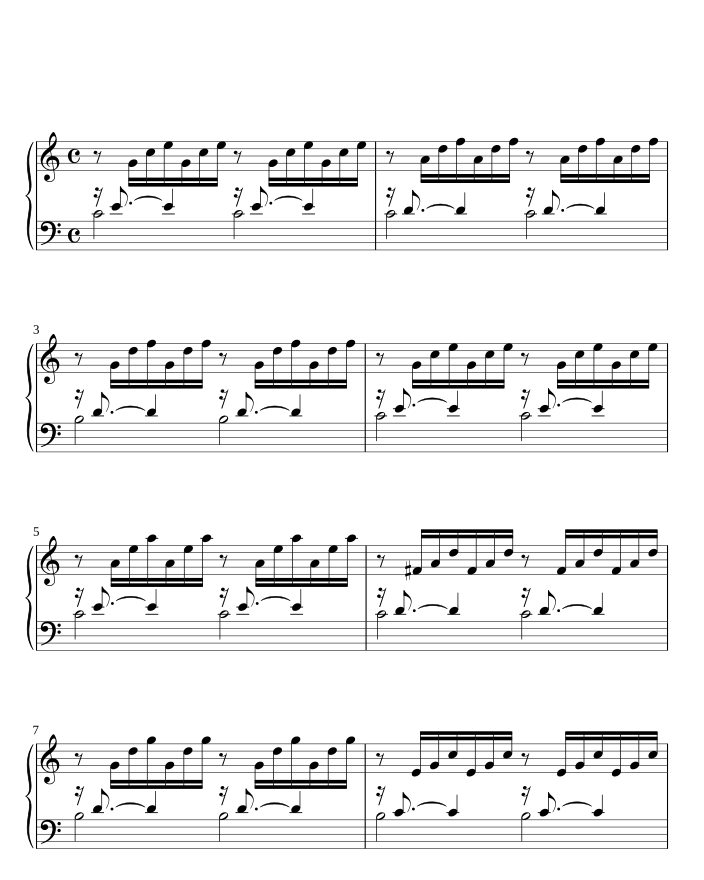
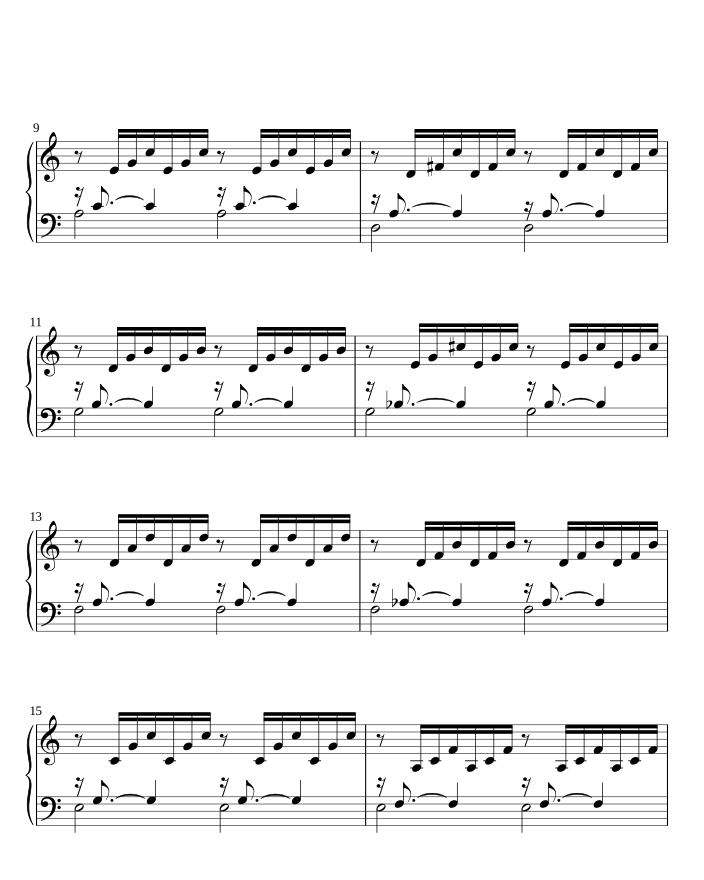
This works best on a larger screen. A full-size page is close to the size of a tablet in the 12.9 to 13 inch range, and smaller screens show less of each page. Half-page turns suit slow pieces and dense accompaniments.
Memorize the bars around the turn
Even with a helper, memorize the two or three bars before and after each turn. Then you can look up from the page, or recover if a turn is late. Practice the passage with your eyes closed or on the keys only.
- Pick the last two bars of the page and the first two of the next.
- Play them from memory, hands together, until they are steady.
- Play from three bars before the turn through to three bars after, turning (or pretending to) at the real moment.
- Do this in a run-through at performance tempo.
Pedals and switches
A Bluetooth page-turn pedal sends a key press, such as an arrow key, to your tablet. It works well for solo pianists who use only the damper pedal, because the foot that is free can tap the turner. It works less well when the left foot is on the una corda or a sostenuto pedal, or when you are pedaling in the passage that needs the turn.
Practice the foot movement just as you practice the notes. See our guide to Bluetooth page-turn pedals for how they connect.
Let an app listen instead
A page turner that listens needs no hand or foot. It follows where you are in the piece and turns the page for you. If you slow down for a ritardando or stop to talk to your teacher, it waits. For more on how that works, see automatic page turning.
SheetScroll does this with the microphone, or over USB or Bluetooth MIDI from a digital piano, so it follows the notes themselves and no microphone is needed. It turns two beats before the end of the page, never early, and it holds the page when two passages sound alike. If you want to turn by hand, a pedal press or tap always wins. Listening is SheetScroll Pro; the reader, pedals and taps are free.
A checklist for the night of
- Charge the tablet and turn off notifications.
- Run the hardest turn once at tempo.
- Know your pedal or tap turn: in SheetScroll, either one always wins.
- Tell any human turner where you will nod, and which turns are tricky.
- Keep a printed copy of the one page you fear most.
Questions
How do pianists turn pages without stopping?
They plan the turn on a rest, copy bars so a page ends at a safe spot, memorize the bars around it, and use a helper such as a human turner, a pedal or an app that listens.
Can I turn pages with my foot on a digital piano?
Yes, if a foot is free. A Bluetooth pedal sends a key press to the tablet. A pedal is fine for most pieces but awkward when both feet are in use.
What is a half-page turn?
The screen moves the music up by half a page at a time, so you always see the line you are on and the line after it, instead of a full page vanishing at once.
Does a page turner that listens work with a digital piano?
SheetScroll does. Connect the piano over USB or Bluetooth MIDI and it follows the notes you play, with no microphone.
What if there is no time to turn at all?
Copy the bars you need onto the next page, play the passage from memory, or use two pages side by side so the turn falls where there is a rest.
Related
- Automatic page turnersEvery way to turn sheet music pages hands-free, from pedals to apps that listen, with the pros and cons of each and how a listening page turner decides.
- Bluetooth page turn pedalsHow a Bluetooth page-turn pedal works, how to pair it with iPad, Android, Windows or Mac, which mode to pick, and notes on AirTurn, PageFlip and Donner.
- Repeats, D.S., D.C. and codaHow to read repeat signs, first and second endings, D.C., D.S., coda and fine in sheet music, with a worked example and how a page turner follows them.
- Choosing a tabletHow to choose a tablet size for sheet music (12.9 to 13 inch or 11 inch), when a phone is enough, plus stands, glare, battery, and digital versus paper.
- PianistsA sheet music app for pianists: it listens through the mic or a digital piano over MIDI and turns the page two beats early, never early. Free reader.
- PianoFifteen free, public-domain piano pieces in teaching order, from three right-hand notes to Burgmüller. They listen and turn pages without Pro.
- Digital pianos over MIDIConnect a digital piano by USB or Bluetooth MIDI and SheetScroll follows the notes themselves, with no microphone. Here is how to set it up.